

Microsoft
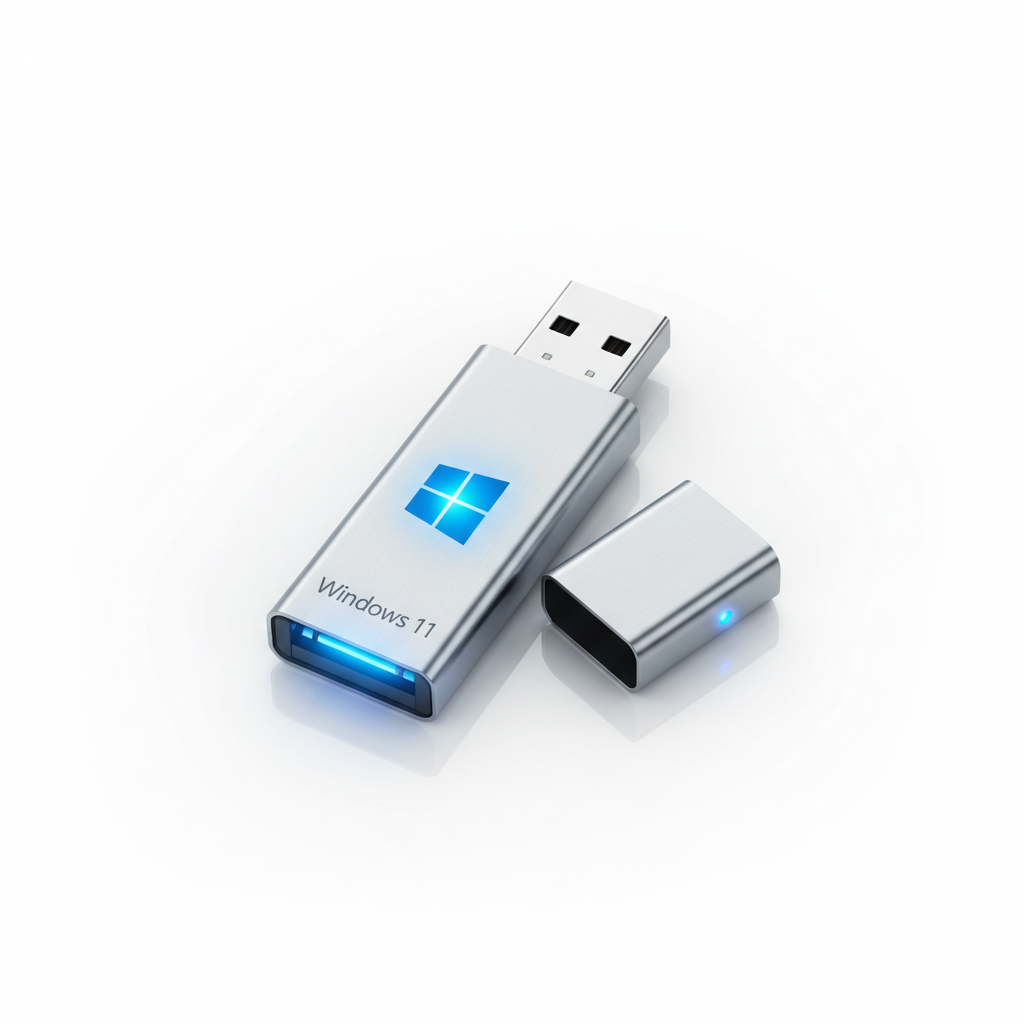
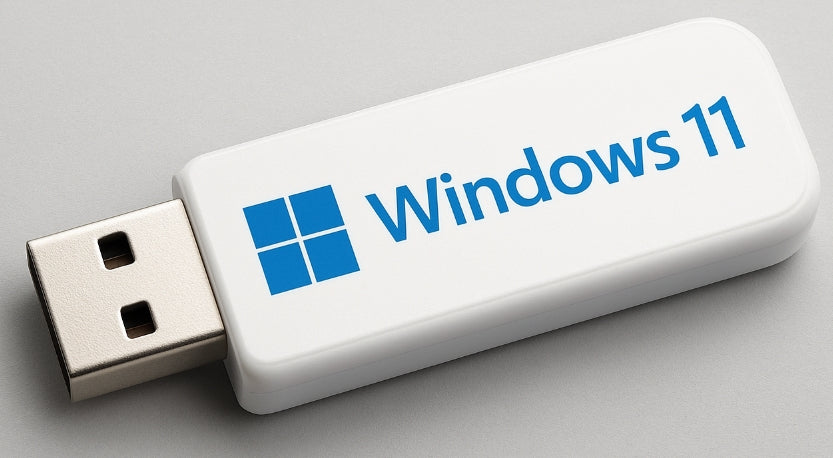
Windows 11 Pro 64-Bit Lifetime License with Installation USB for Unsupported PCs, Tablets and Laptops Upgrade.
Windows 11 Pro 64-Bit Lifetime License with Installation USB for Unsupported PCs, Tablets and Laptops Upgrade.
Couldn't load pickup availability
Windows 11 Pro 64-Bit Lifetime License with Installation USB
Upgrade or reinstall your PC with Windows 11 Pro 64-Bit using our convenient installation USB and genuine lifetime license key. Suitable for both supported and unsupported PCs (where compatible installation methods are used).
Product Includes
-
Windows 11 Pro 64-Bit Installation USB
-
Genuine Windows 11 Pro Lifetime License
-
Activation Key Included
-
Installation Instructions
-
UK-Based Technical Support Available
License Key
Windows 11 Pro Lifetime License
Product Key:
Important: Once the Windows 11 installation USB and license key have been dispatched and received, the product is non-returnable, and the order cannot be cancelled.
Windows 11 Installation Instructions
Option 1: Clean Installation
-
Insert the Windows 11 USB into an available USB port.
-
Power off your computer.
-
Turn the computer back on and press F12 (or your device's boot-menu key).
-
Select the USB drive as the boot device.
-
Follow the on-screen installation instructions.
Option 2: Upgrade Existing Windows Installation
-
Start your computer normally.
-
Insert the Windows 11 USB.
-
Open the USB drive.
-
Run Setup.exe.
-
Follow the upgrade wizard.
Setup Process
-
Select Windows 11 Pro 64-Bit.
-
Choose your preferred language, region, and keyboard layout.
-
Select whether you want to:
-
Keep your existing files and applications, or
-
Perform a clean installation.
-
-
Enter the product key when prompted, or activate later through Windows Activation Settings.
Important Information for Unsupported PCs
Some older systems may require additional configuration before Windows 11 can be installed.
UEFI Requirement
Windows 11 requires:
-
UEFI boot mode
-
GPT partition format
-
USB UEFI boot enabled in BIOS
Windows 11 does not support installation in Legacy BIOS mode.
New Installations
For brand-new installations or systems previously running older operating systems:
-
Backup your data before proceeding.
-
Format the drive if required.
-
Convert BIOS settings from Legacy to UEFI.
-
Perform a full clean installation.
If you are unfamiliar with BIOS settings or operating system installation, we strongly recommend consulting a qualified computer technician.
Microsoft Account Requirement
If you do not yet have a Microsoft account, disconnect your computer from the internet before starting the installation or upgrade process.
Professional Installation Service Available
Our experienced hardware engineers can assist with installation and configuration.
Service Options
-
Installation & Configuration Service: £80
-
UK Collection & Return Service: £40
Total Service Package: £120
Postal Installation Service
You may also send your PC, Tablet or laptop to:
Global Tech Solutions UK
Unit 3A, Wing Yip Business Centre
544 Purley Way
Waddon, Croydon
CR0 4NZ
Surrey, United Kingdom
Please contact us before sending any equipment for service.
Delivery
Delivery
The license key for the software will be sent to you via email within 24 hours
Please note that once you have made your purchase, the license key for the software will be sent to you via email within 24 hours
View full details