
GTS UK, Microsoft
WINDOWS 11 PRO 64 BITS INSTALLER & UPGRADE FOR WINDOWS 11 UNSUPPORTED COMPUTERS MBR BOOT USB 19IN1 UEFI WITH MICROSOFT GENUINE LICENSE KEY.
WINDOWS 11 PRO 64 BITS INSTALLER & UPGRADE FOR WINDOWS 11 UNSUPPORTED COMPUTERS MBR BOOT USB 19IN1 UEFI WITH MICROSOFT GENUINE LICENSE KEY.
Couldn't load pickup availability
WINDOWS 11 PRO 64 BITS INSTALLER & UPGRADE FOR UNSUPPORTED COMPUTERS MBR BOOT USB 19IN1 UEFI WITH MICROSOFT GENUINE LICENSE KEY.
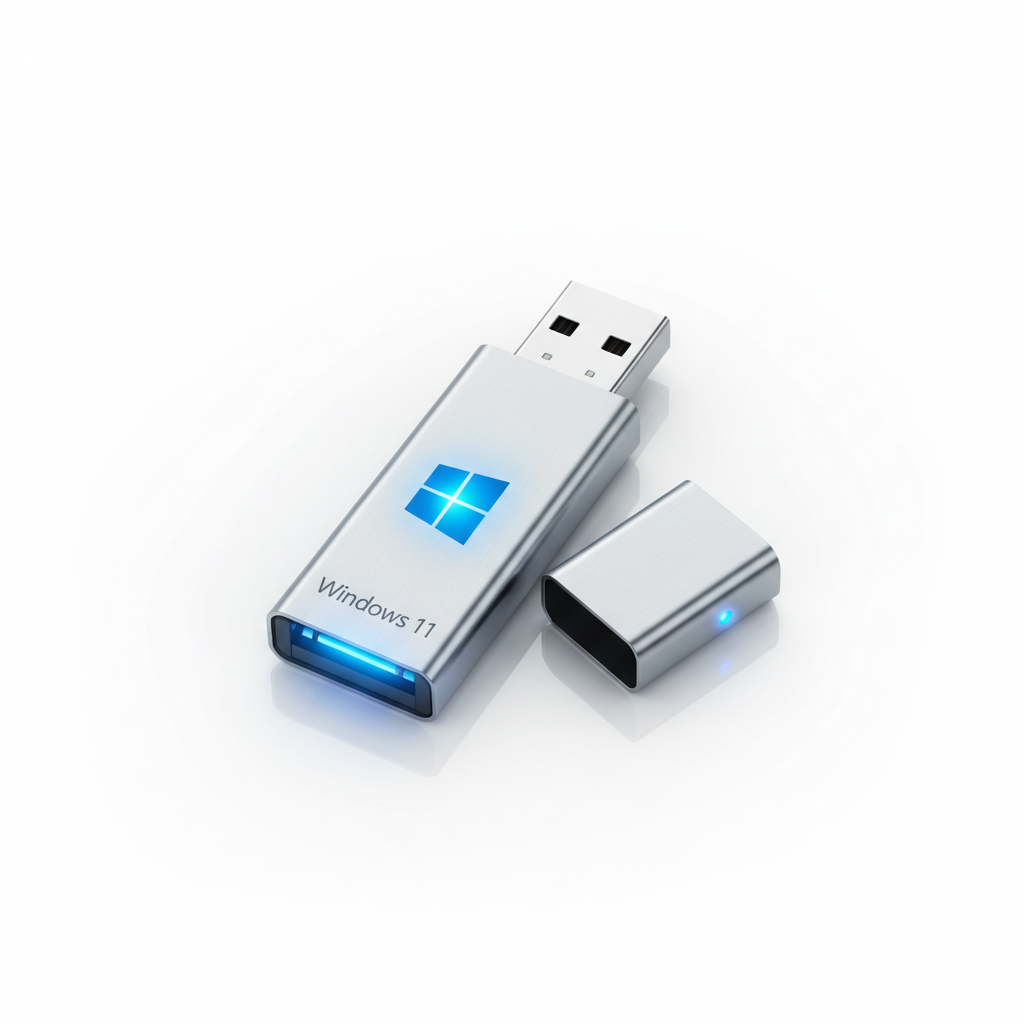
This Windows 11 Pro installer and upgrade will enable you to install Windows 11 Professional on laptops and computers that do not support or meet the minimum requirements for Windows 11. It comes with a genuine Microsoft Windows 11 Pro license key and a Windows 11 installer on a USB drive.
Windows 11 Pro Lifetime License Installation Guide
(For Supported and Unsupported Computers)
Windows 11 Installation Instructions
-
Insert the Windows 11 USB into any USB port on your computer.
-
For a Clean Installation
-
Power off the PC.
-
Turn it back on and press F12 (or your computer’s boot-menu key).
-
Select the USB device to boot from.
-
-
For an Upgrade
-
Turn on the PC.
-
Open the USB drive from File Explorer.
-
Run Setup.exe.
-
-
Select Windows 11 Pro 64-bit or Windows 11 Home 64-bit, depending on the license you purchased.
-
Choose your language, region, and keyboard layout.
-
Select whether you want to:
-
Keep your files and data, or
-
Perform a Clean Installation.
-
-
Enter your Windows License Key when prompted, or activate Windows later through Microsoft Activation Settings.
Unsupported Computers – Windows 11 Home Lifetime License
🔑 Important Notice
Once you receive your Windows 11 Home Lifetime License Key and installation USB by post, the item cannot be returned, and the order cannot be cancelled, as the product key becomes permanently assigned.
Installation Steps
1️⃣ Boot your computer from the USB drive or run the upgrade from the USB
2️⃣ Select Windows 11 Home (64-bit)
3️⃣ Choose your Region and Language
4️⃣ Select whether to keep your data or perform a Clean Installation
5️⃣ Enter your License Key when prompted, or activate later via Windows Activation Settings
⚠️ Important:
If you do not have a Microsoft account, please disconnect from the internet before starting the installation or upgrade process.
Important BIOS Configuration (For New Installations)
For brand-new installations or when replacing a previous operating system:
-
You may need to format the entire disk
-
Change the BIOS boot mode from Legacy to UEFI
-
Enable UEFI USB Boot
-
Save the changes and proceed with installation
⚠️ Windows 11 only runs in UEFI mode. It does not support Legacy BIOS mode.
If you are unsure how to perform these steps, please consult a qualified computer technician or hardware engineer.
Installation Support Service
We provide professional installation and configuration services.
💻 On-site Installation & Configuration: £80
🚚 Collection and Return Service (UK): £40
Total Service Cost: £120
Send Your Device To Us
We have hardware engineers on site who can assist with installations and configuration for £80, in case you need help. We can arrange a collection and return within the UK for £40. Total amount £120
You can also post your device or PC to us:
Global Tech Solutions UK, Unit 3A, Wing Yip Business Centre, 544 Purley Way, Waddon, Croydon, CR0 4NZ, Surrey, UK
Shipping & Returns
Shipping & Returns
Our delivery services:
• Standard Delivery is Free to Most of the UK
• Orders are dispatched with DPD on a Next Working Day service and typically arrive within 3-5 working days of placing the order.
• Express Fast Track Delivery from £6.95 to £10.95